Native macOS utility
Three menu bar apps. One hotkey.
Jackdaw keeps your clipboard history, stages the files you’re moving, and turns speech into text — natively on your Mac, nothing leaving the device.
14-day free trial · macOS 26+ · Apple silicon only


The math
Three apps, or one payment
Jackdaw does the job of three apps. Here is what that stack costs in its first year, against what Jackdaw costs — ever.
The usual stack
- Paste Clipboard history $29.99 / year
- Yoink File shelf $8.99 once
- Wispr Flow Dictation $144 / year
Year one $183
Jackdaw
$5.00 once
One payment. Every feature. No account, no cloud, no renewal.
- Clipboard history, searchable and editable
- A file shelf that stages what you’re moving
- On-device dictation — audio never leaves your Mac
Vendor prices as advertised in August 2026 for a single Mac, quoted in USD. Yoink is a one-time purchase; the other two renew every year.
See it in action
Copy, shelve, dictate — one uninterrupted flow
Clipboard
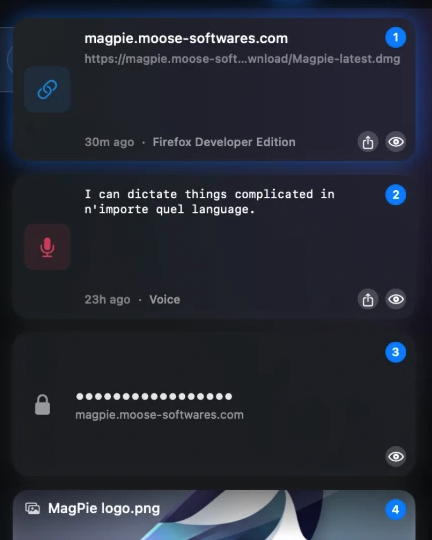
A clipboard history that keeps up with you
Every copy is captured and instantly searchable. Find it, tweak it, and paste it back — usually before you’ve lifted your fingers off the keys.
- Instant search — type to filter thousands of clips in real time
- Preview anything — peek at links, images, and files before you paste
- Edit in place — fix a typo or trim a clip without leaving Jackdaw
- Rich text preserved — formatting, styles, and colours survive the round trip
- Pin favourites — keep the snippets you reach for at the top
- Auto-paste — pick a clip and Jackdaw types it straight into the app
File shelf
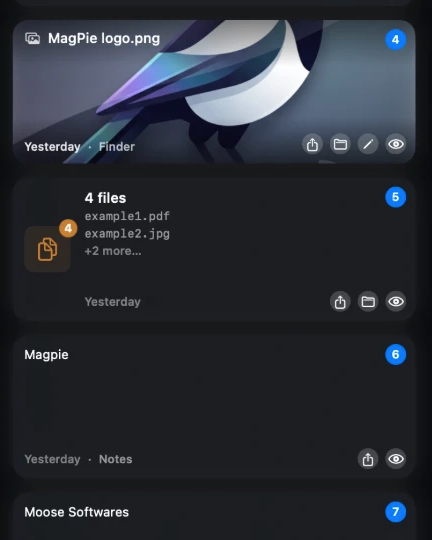
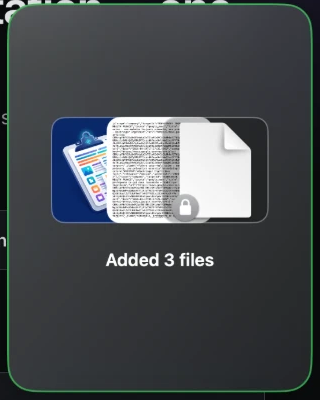
A drop-zone that stages your drag-and-drop
Gathering files from five folders to drop into one place? Shelve them as you go, then drag the whole pile out where you need it.
- Drop to hold — park files from anywhere without a temp folder
- Gather over time — add more from different apps and windows
- Drag out together — move the entire batch in a single gesture
- Mixed content — files, images, and snippets side by side
Dictation
On-device dictation, anywhere you type
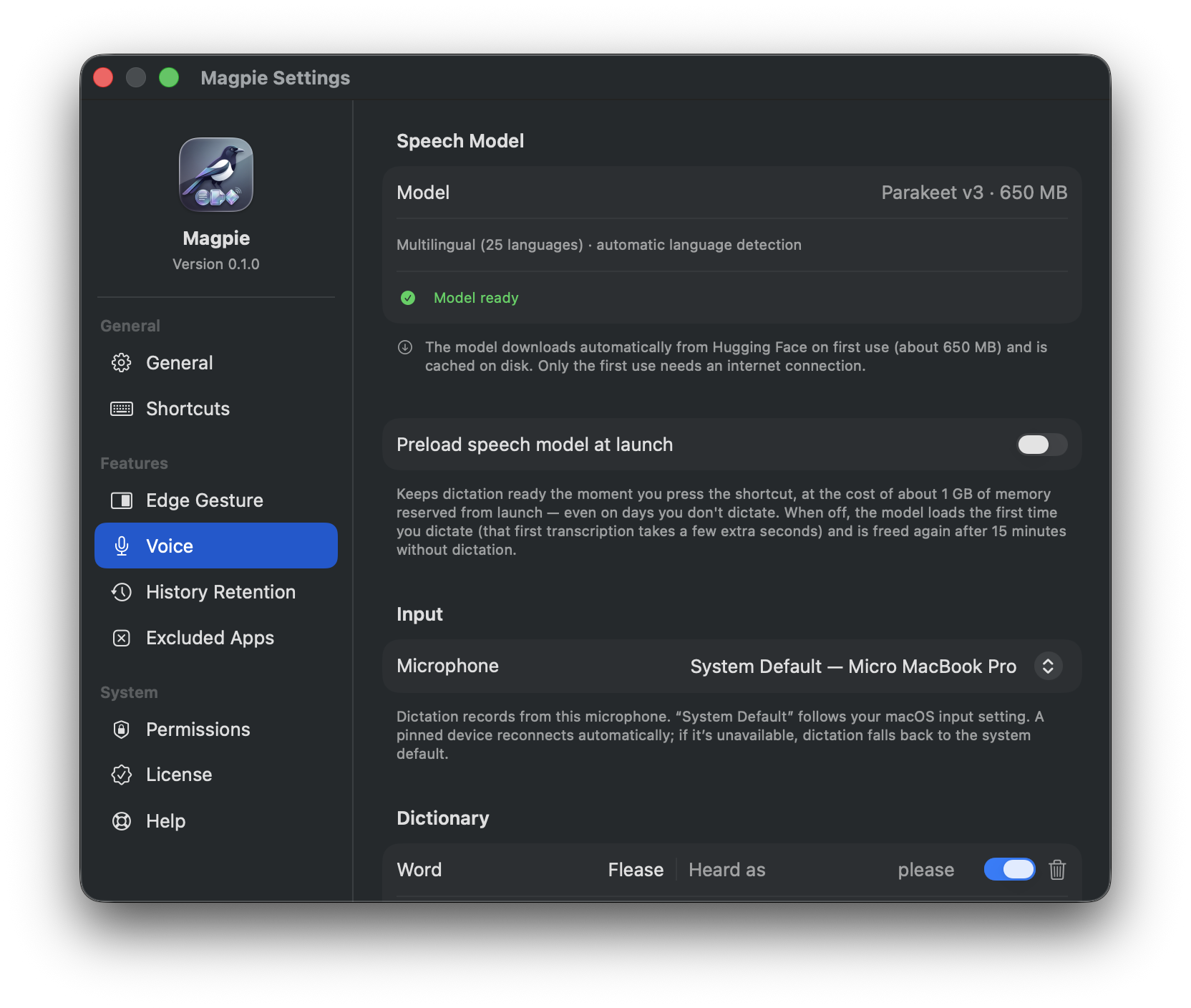
Press to talk and Jackdaw types it out — in any app, in any language you’ve set up. The audio never leaves your Mac.
- Fully on-device — private speech-to-text, no round trip to the cloud
- Types anywhere — drops text into the app you’re already using
- Multilingual — dictate complicated things in whatever language fits
- Learns your words — a misheard name comes back with the right spelling — one click teaches it for good
Built for power users
The small things that make it a reflex
Jackdaw is tuned for people who copy, paste, and move files all day. Every corner is configurable — the details add up.
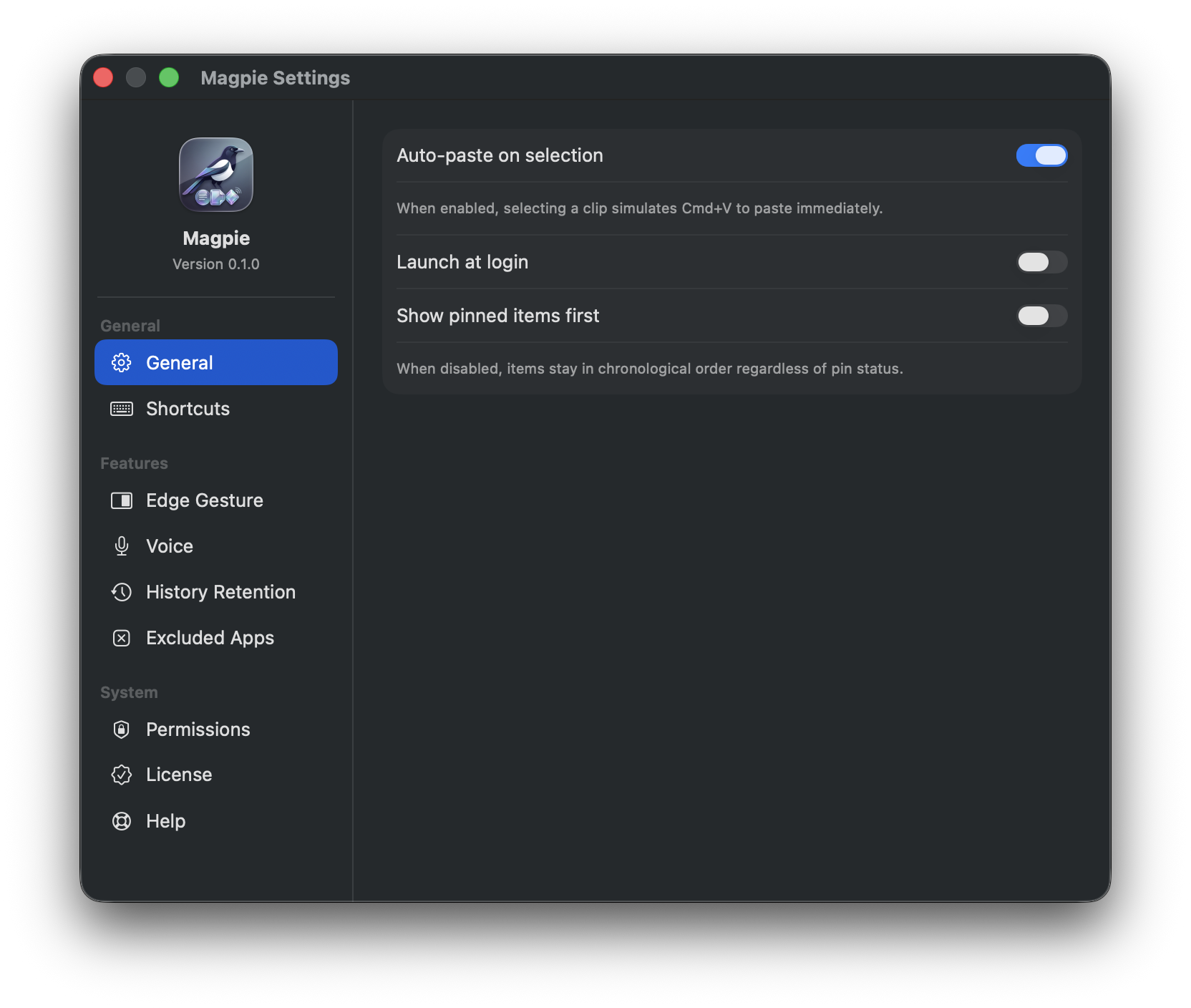
Edge Gesture
Shove the cursor into a screen edge to summon Jackdaw — no hands off the mouse.
Keyboard-first
Arrow keys to scan, number keys to paste, Return to confirm. Built for muscle memory.
History retention
Keep an hour or keep it all. You decide how far back Jackdaw remembers.
Excluded apps
Name the apps Jackdaw should never watch — password managers, banking, whatever’s private.
Sensitive-data guard
Password-like copies are detected, masked, and never previewed in the open.
Light & dark
Adaptive materials that follow your system appearance, pixel for pixel.
Pricing
Simple, honest pricing.
Try every feature free for 14 days. Then keep it forever with a one-time purchase.
Contribute to open source? Get 50% off →